Weather Feature
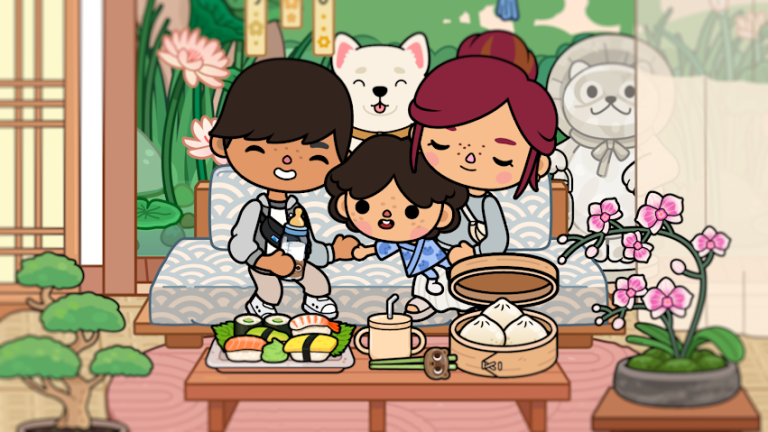
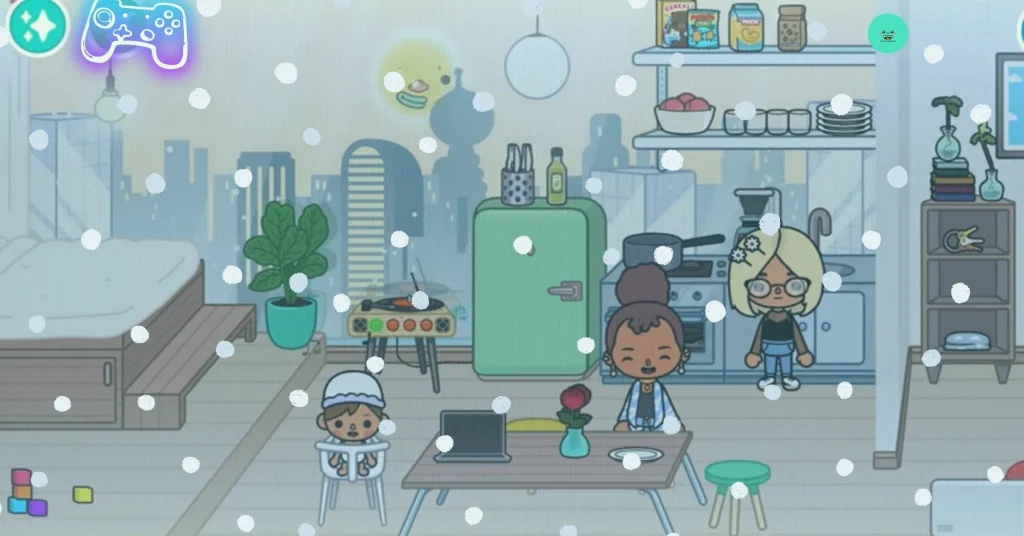
The new game update brings an exciting weather feature that adds rain, snow, fog, and a full day night cycle to every district. Players can now enjoy night rain, snowing, and foggy scenes in places like Bop City and Busy Plaza, making the game more realistic and fun.
Weather Menu
How to Open Menu
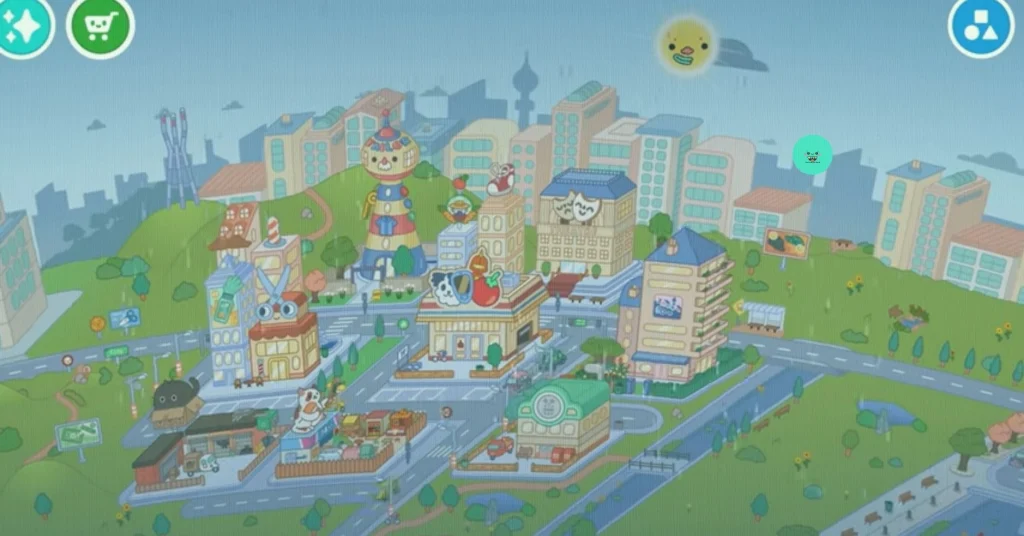
Tap the sun icon at the top of the screen. A new menu will appear. You can tap the moon to switch to night or tap the sun again to return to daytime. This is the main control for changing the light in your world.
How to Use Weather Feature
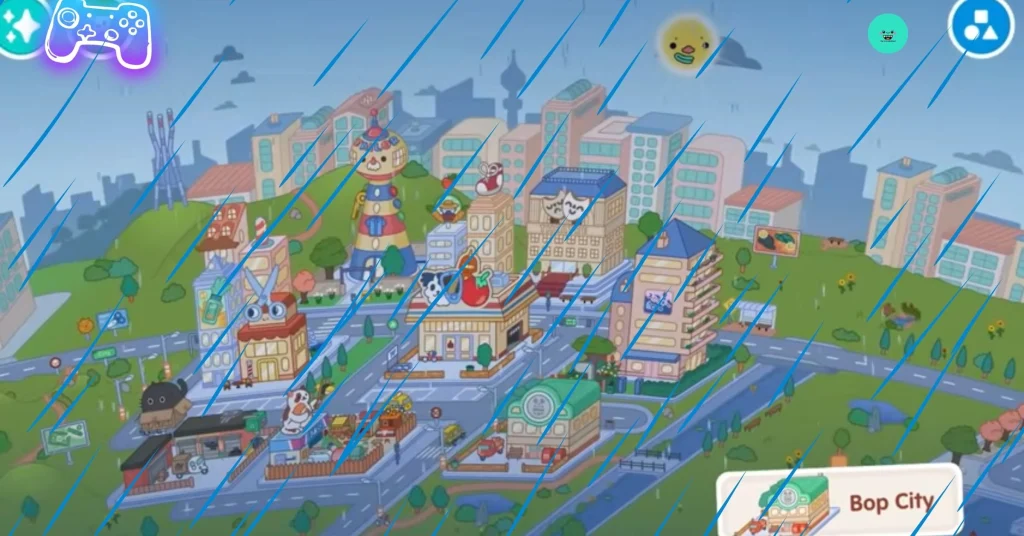
Tap the raindrop icon to turn on raining. You will see rain falling across the area, including inside open locations. Tap the snowflake icon to activate snowing, which adds a soft cold effect to the scene. Tap the cloud icon to create a foggy look that makes the world darker and more mysterious.
In Districts and Homes
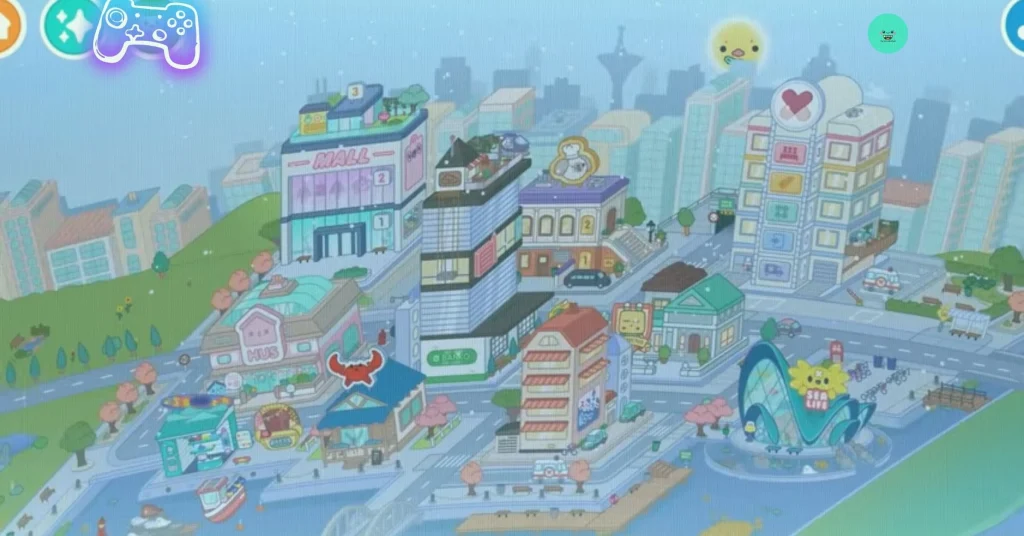
Every district can have its own weather. You can keep Bop City raining while Busy Plaza stays sunny or snowy. The update also works in Home Designer houses, where you can see rain, snow, or fog behind the windows, creating natural-looking background effects.
Why This Update Is Exciting
The new weather feature adds more creativity and atmosphere to the game. Players can now make dramatic rainy nights, cozy snowy homes, or mysterious fog scenes anytime they want. This free update improves storytelling, role-play, and home design.
Disclaimer
This article is created purely for entertainment and informational purposes related to game, a family-friendly digital game. All features described, including weather effects such as rain, snow, and fog, exist only inside the game.
Download Toca Boca World MOD APK